
Bluetooth Speaker
Prudy N Singo
17, April 2025
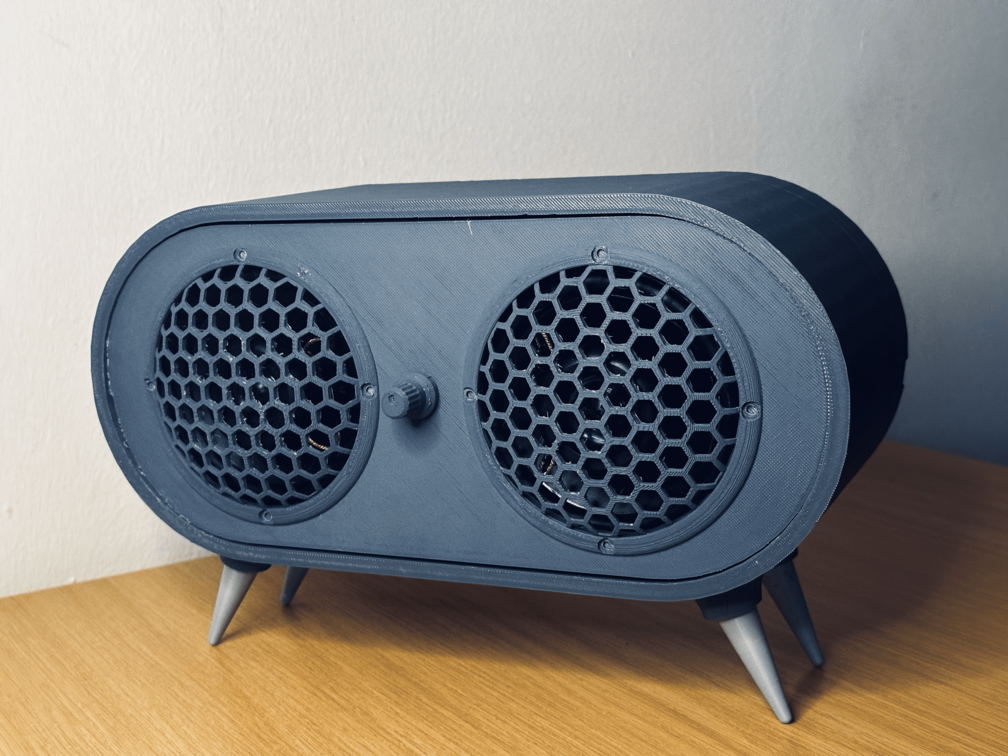
In this tutorial, you'll learn how to build a fully functional Bluetooth speaker by integrating the Greycode IoT Dev Board as the Bluetooth receiver, an amplifier module to boost the audio signal, and a speaker to deliver clear sound—all encased in a custom cover for a polished and portable design.
Components Needed
- Greycode IoT Dev Board
- Amplifier Module (PAM8403)
- Potentiometer (MAX 98357A)
- 2X Speaker (3W–4 ohms)
- Jumper Wires
- C-type USB Cable
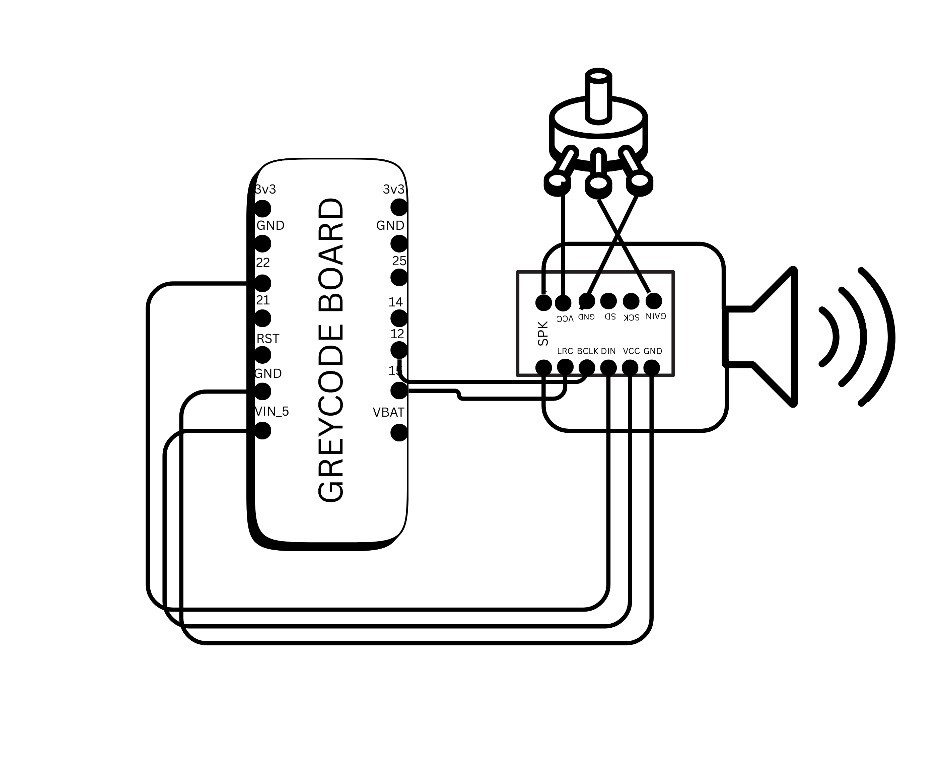
Step 1: Circuit Diagram
Use the circuit diagram below as a connection reference.
Step 2: Assemble the Components
- Mount the Greycode IoT Dev Board at the back of your 3D printed speaker cover.
- Place the amplifier module and potentiometer inside the speaker cover.
- Attach wires to the speaker terminals.
- Use jumper wires to connect all components according to the circuit diagram.
Ensure connections are secure. Avoid soldering for testing; solder permanently later.
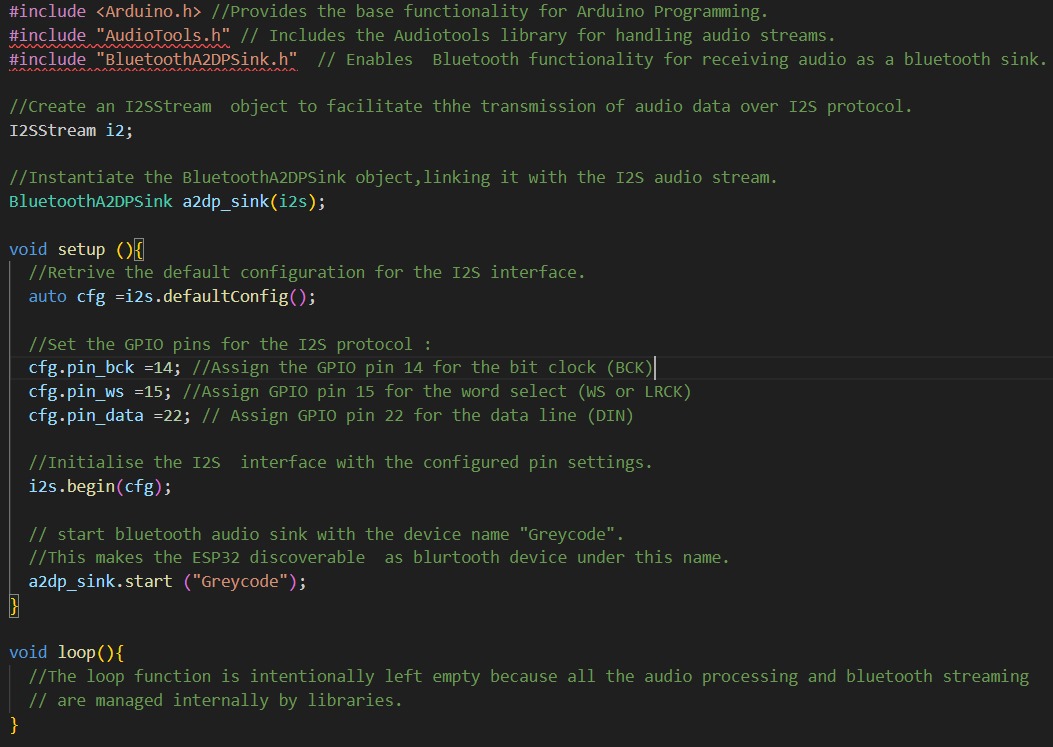
Step 3: Code for Bluetooth Speaker
Install the Visual Studio Code IDE and load the Bluetooth speaker code into the Greycode IoT Dev Board.
Step 4: Upload the Code
- Select the Espressif ESP32 Dev Module for the chip in PlatformIO (VS Code).
- Connect the Greycode IoT Dev Board via USB.
- Select the correct board and port, then upload the code.
Step 5: Test the Speaker
- Turn on the Greycode IoT Dev Board and amplifier module.
- Pair your phone with "Greycode".
- Play music from your device to test sound output.
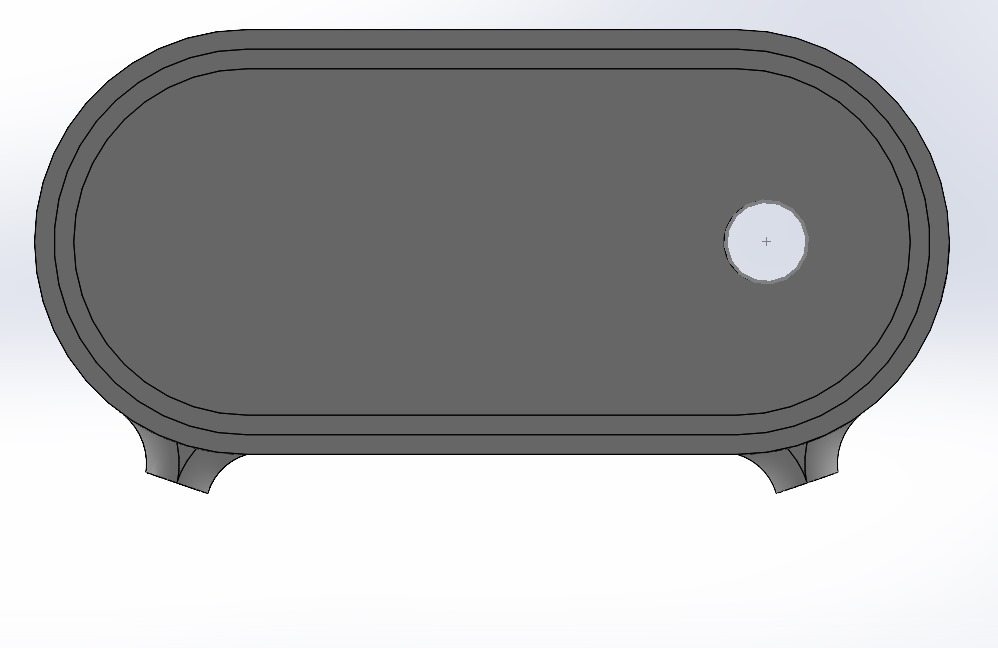
Step 6: Assemble the Cover
-
Place the amplifier inside the speaker cover.
-
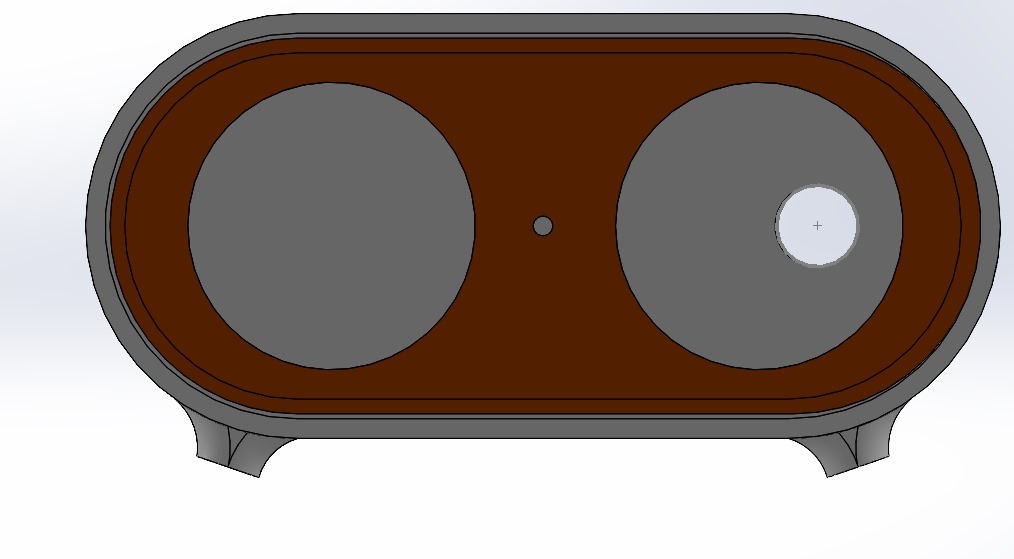
Mount the speakers and potentiometer on the front cover, then attach it to the main cover.
-
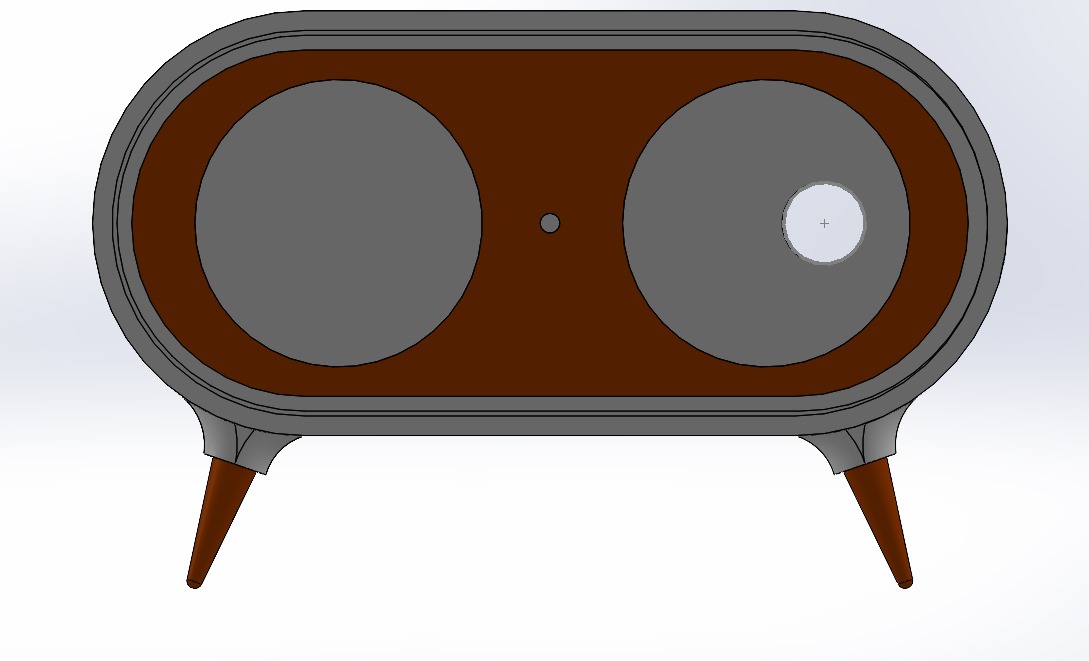
Secure all components and attach the speaker legs to their designated spots.
Troubleshooting Tips
- No Bluetooth connection? Check the code and ensure Bluetooth is enabled.
- No sound? Verify connections to the amplifier and speaker.
Start Your Own Project Now
- Click Here to watch the full tutorial on YouTube.
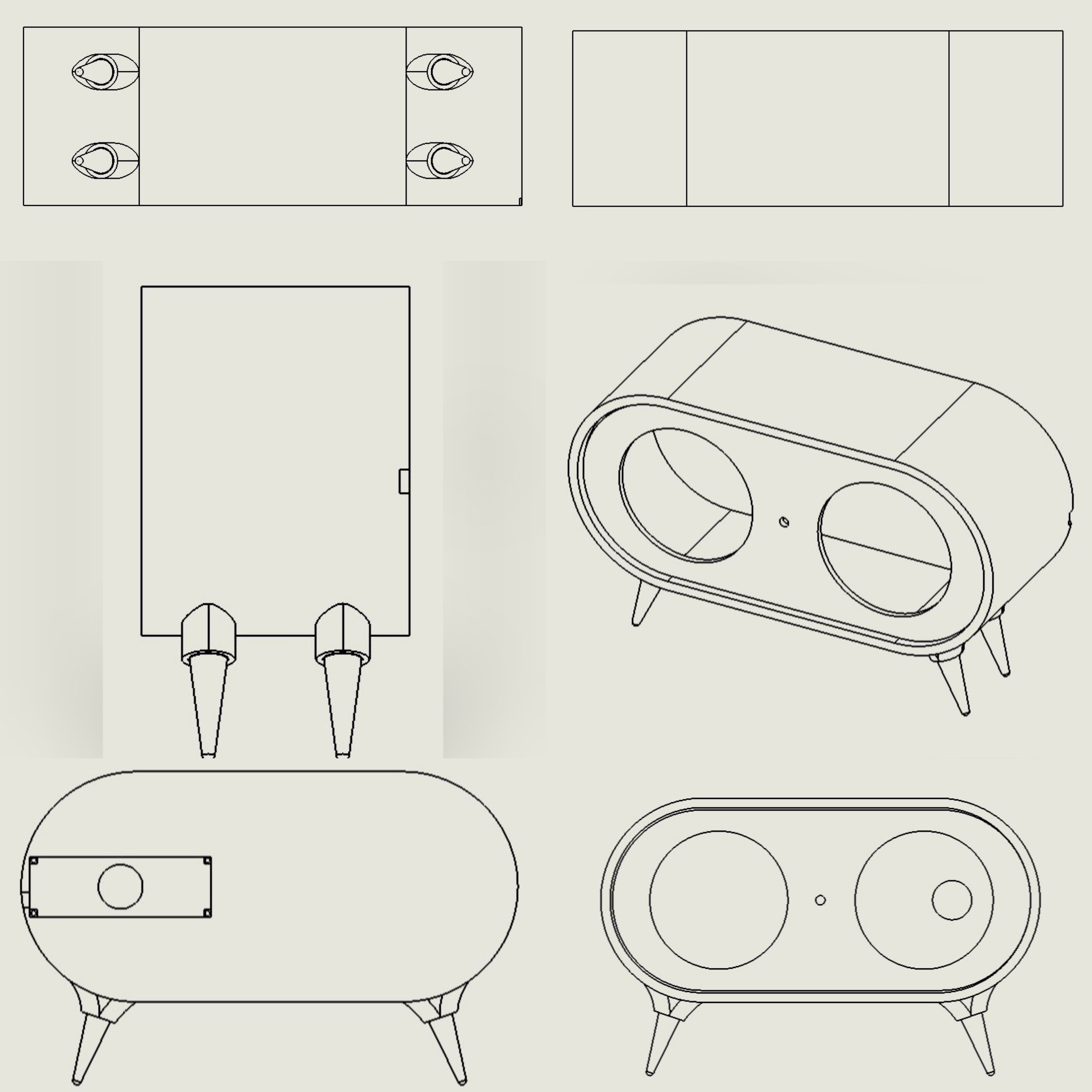
- For the 3D Files, click the Download button below:
Leave a Comment
Comments (0)
Join the discussion
No comments yet. Be the first to share your thoughts!